
Hi all:
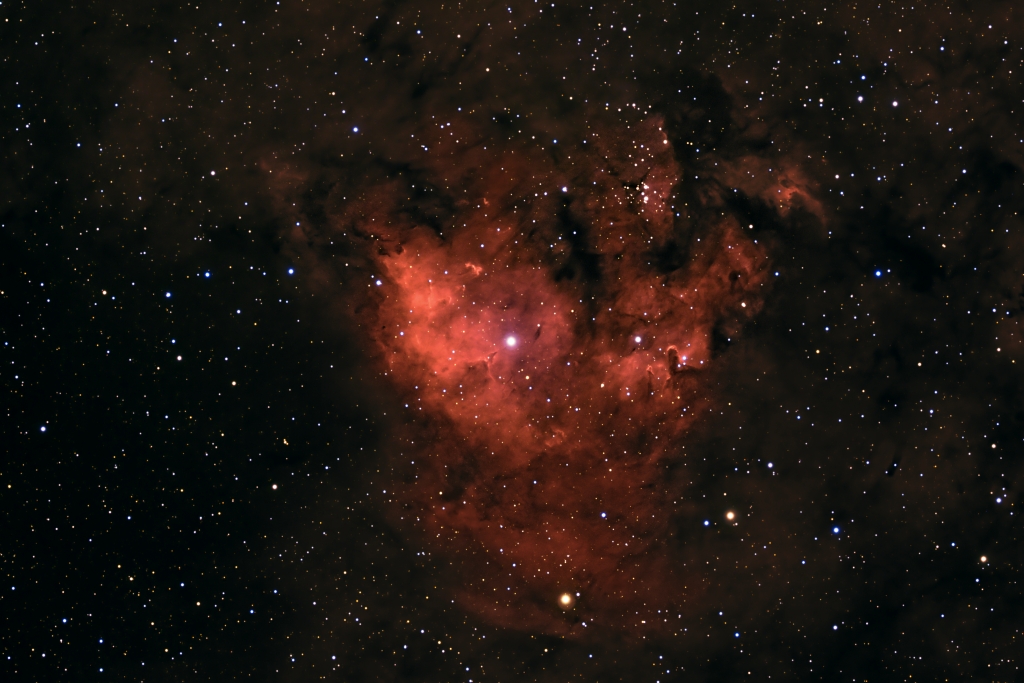
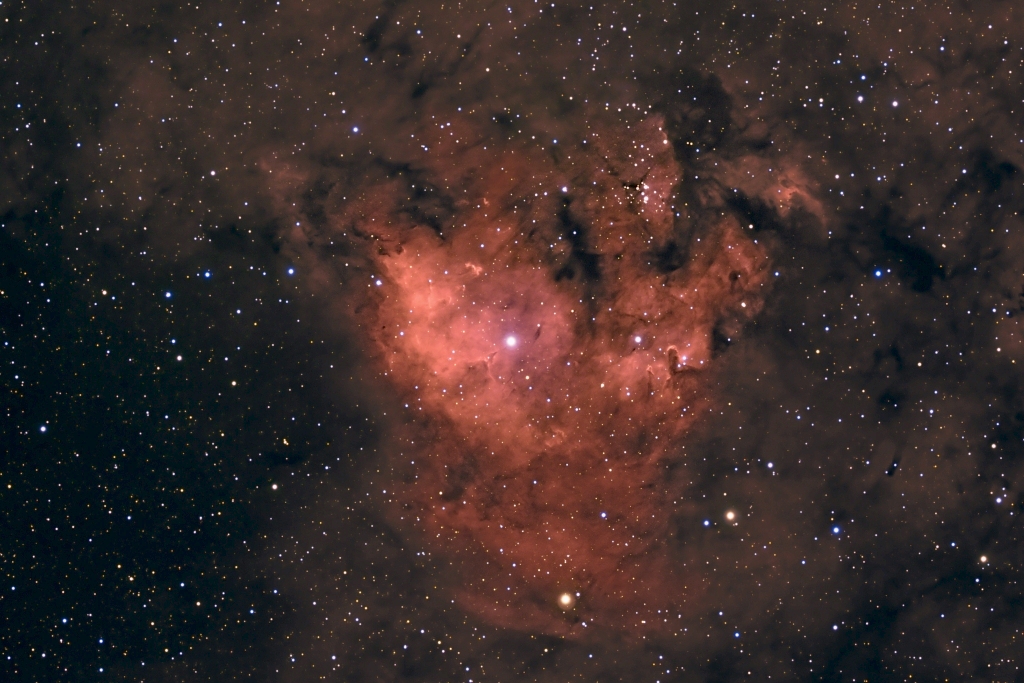
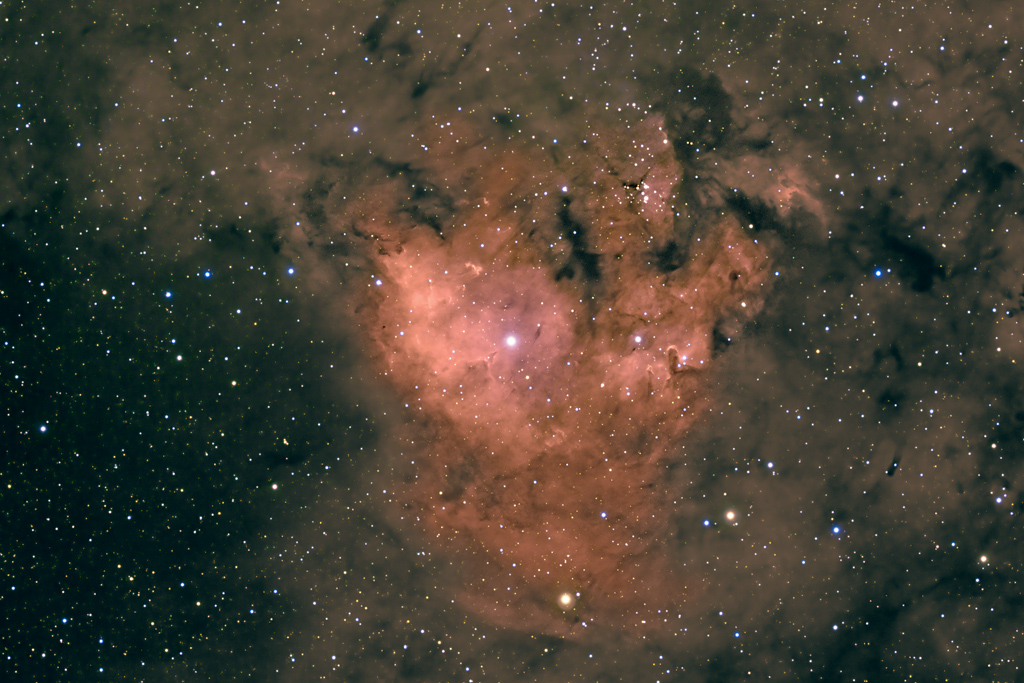
The following images are of Cederblad 214, a relatively low surface brightness emission nebula in Cephus.
You might recall that I have been puzzled by the variation in jpeg presentation between my computer at work and my computer at home, when viewing images of dim objects. Astromarters Enrico Africa, Charles Hakes and others have offered excellent tips for making sure the colors of my high resolution 16 bit tiff images stay "right" when I convert to 8 bit jpegs. I think I have that part of the puzzle solved. Thanks guys!
I am still having black point issues though.
If you have a moment, take a look at the two images I’ve attached to the next posts. The first one looks nice on my calibrated monitor at home. This image is clearly and tragically black-point clipped at work, in other words the fainter nebulosity right up to the edge of the frame on the N, SW and W is gone and only the central nebulosity shows.
The second image has substantially boosted gamma (about 1.4) I also boosted the overall brightness a bit. At work this one looks like #1 does at home. At home this image is way too bright though!
If you guys could let me know which version is more aesthetically appealing on your monitors, that might help me figure out whether my home system is out of whack, or whether I should just quit looking at these on my work monitors.
Thanks for any input you might have! I’m heading up to the mountains this evening, but I will read all replies carefully on Sunday. Have a great New Years!
Jim
The following images are of Cederblad 214, a relatively low surface brightness emission nebula in Cephus.
You might recall that I have been puzzled by the variation in jpeg presentation between my computer at work and my computer at home, when viewing images of dim objects. Astromarters Enrico Africa, Charles Hakes and others have offered excellent tips for making sure the colors of my high resolution 16 bit tiff images stay "right" when I convert to 8 bit jpegs. I think I have that part of the puzzle solved. Thanks guys!
I am still having black point issues though.
If you have a moment, take a look at the two images I’ve attached to the next posts. The first one looks nice on my calibrated monitor at home. This image is clearly and tragically black-point clipped at work, in other words the fainter nebulosity right up to the edge of the frame on the N, SW and W is gone and only the central nebulosity shows.
The second image has substantially boosted gamma (about 1.4) I also boosted the overall brightness a bit. At work this one looks like #1 does at home. At home this image is way too bright though!
If you guys could let me know which version is more aesthetically appealing on your monitors, that might help me figure out whether my home system is out of whack, or whether I should just quit looking at these on my work monitors.
Thanks for any input you might have! I’m heading up to the mountains this evening, but I will read all replies carefully on Sunday. Have a great New Years!
Jim