Image of the day

Captured by
Byron Davies

M-20 Trifid Nebula

My Account

New to Astromart?

Register an account...

Need Help?

Help with Toucam

Started by jimwayda, 08/25/2003 05:07AM
Posted 08/25/2003 05:07AM Opening Post
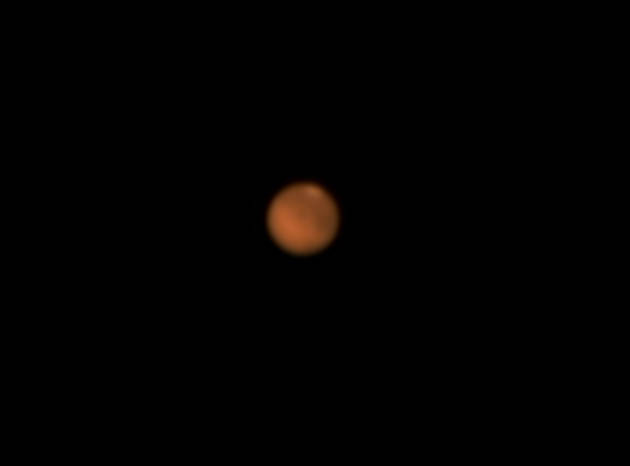
I recently got a new Toucam and am using it with an Astro-Physics 130 EDF. The output of the camera generates an AVI that I am trying to process and stack with the free program "RegiStax2". The results do not look anything like the wonderful results that was obtained by Brian VanLiew. My images are very low in resolution and contain a lot of noise. Can someone please provide some guidance?

Thanks,

-jim
Posted 08/25/2003 05:13AM #1
P.S.

I most likely do not know what I am doing with RegiStax. Maybe this is the problem.
Posted 08/25/2003 01:08PM #2
Jim, I'm learning RegiStax2 also and spent most of the day yesterday going between the help on the web page and the program...It's coming SLOWLY!!!!!!!the web page help kind of looks more like version 1 also...

I have found as someone posted 1 vs 300 images, that the program does not do as well selecting clean images as one can do by hand...and that is very time consuming, but the end result is Much better and I beieve that most of the better images are likely hand selected...JMHO

Regards
Preston
Posted 08/25/2003 04:15PM #3
Here is the bmp file for the image I posted. As you can see I had to adjust the image to get the final results. In photoshop le I used "curves", "levels", "unsharp mask" and "color balance" to help bring out the features. I had to take many files to get one with the best settings on the camera (ie gain and shuter speed). Unfortunately since being new at this I didn't take notes as well as I should have for these settings.

Hang in there,
Brian

Attached Image:

Brian's attachment for post 70494
Posted 08/27/2003 12:42PM #4
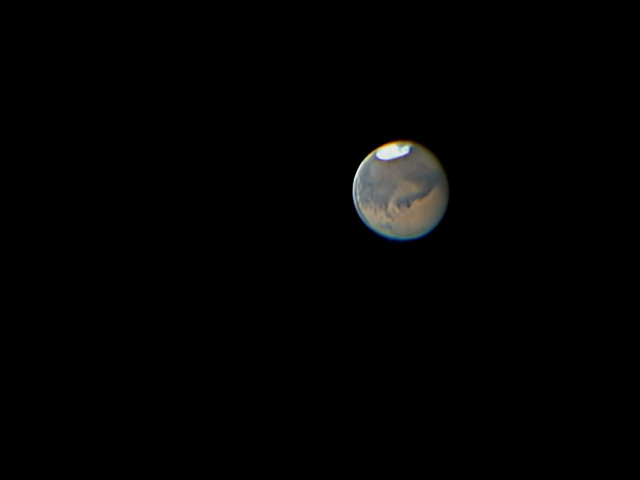
First thing you need to do is move as far south as possible, preferrably where there is perfect seeing conditions most of the time. Put the webcam on manual, 10fps, gain all the way down, gamma about a third. Use a big enough barlow to get you a good size Mars without going overboard or it will get fuzzy. Play with the shutter speed until you get a slightly under exposed Mars. Use an infrared blocking filter. Adjust the focus on the scope (the hardest part). Take lots of one or two minute videos. Load the video in Registax. Click on stack and align. When it gets done, slide the bottom 3 wavelet filters to at least 30. You should get a halfway decent Mars. If you didn't, then you probably didn't follow the first step, or you didn't nail the focus. If it is still not good enough, put the webcam behind an 11" or 14" Celestron SCT. Here is my best one out of my little 8" C-8.
Ralph

Attached Image:

Panotaker's attachment for post 70569