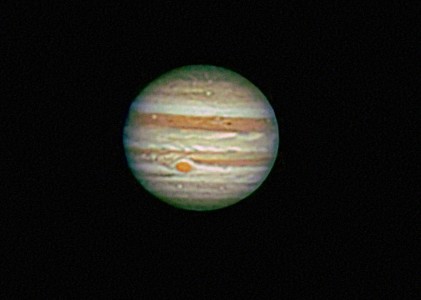

Most of my astrophotography is using an Olympus OM-1n or a Pentax 6x7. Prime focus and piggy-back with the Olympus OM-1n and piggy-back only with the Pentax 6x7 using 300mm, 165mm and 105mm lenses. My film of choice is either Kodak E200 or Fuji Provia 400F, both slide films.
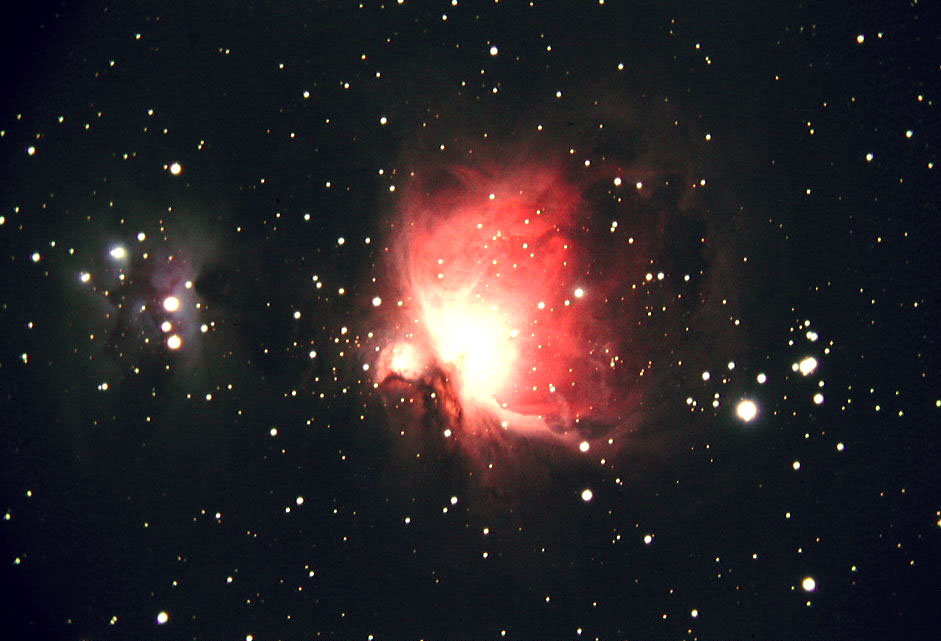
I recently "discovered" that using a light table, an 8x Horizon loupe and my Olympus 3000 digital camera, I can make acceptable digital copies of the slides using an afocal method. (Essentially just placing the lens of the digital camera right on top of the loupe, setting the camera to the close-up mode, turning off the flash and underexposing the photo (range of -1.7 to -2.3, with -2.0 being a very good compromise). Posted is a recent picture of M-42 taken in January with Fuji Provia 400F thru my Brandon f/8 130mm APO (1040mm f.l.) The original was a 60 minute exposure.
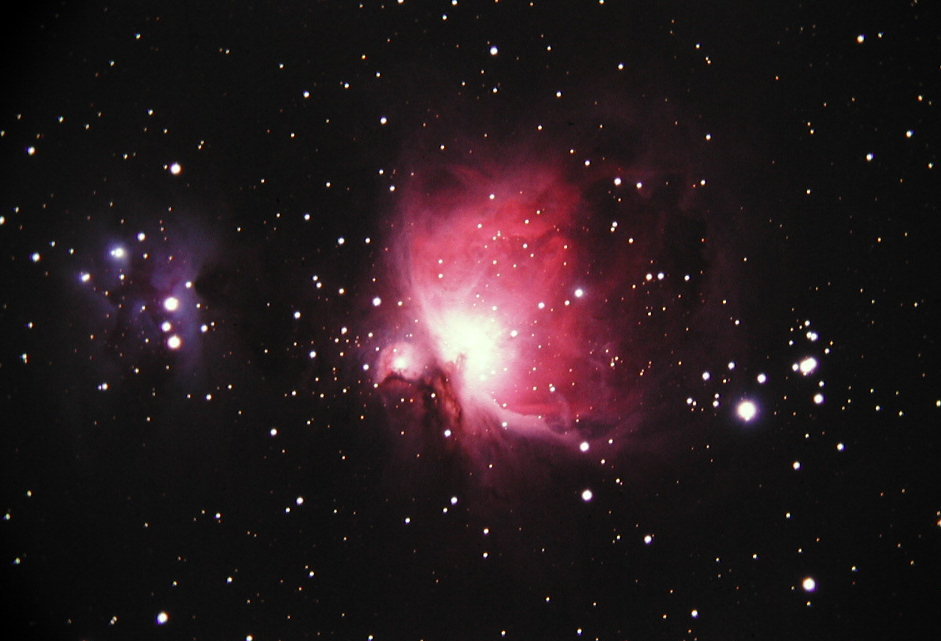
I recently "discovered" that using a light table, an 8x Horizon loupe and my Olympus 3000 digital camera, I can make acceptable digital copies of the slides using an afocal method. (Essentially just placing the lens of the digital camera right on top of the loupe, setting the camera to the close-up mode, turning off the flash and underexposing the photo (range of -1.7 to -2.3, with -2.0 being a very good compromise). Posted is a recent picture of M-42 taken in January with Fuji Provia 400F thru my Brandon f/8 130mm APO (1040mm f.l.) The original was a 60 minute exposure.
Attached Image: