Image of the day

Captured by
Arthur Hogan

Wizard Nebula

My Account

New to Astromart?

Register an account...

Need Help?

First Shots-- Need Some Advice

Started by Parker_Parrish, 11/08/2004 03:30PM
Posted 11/08/2004 03:30PM Opening Post
Hello,
The attached photo is of the Cygnus region and is one of my first long exposures. It was through a Canon F1, 50mm f1.4 @ f2.8, 10min on Elite Chrome 200. I have Photoshop and need some help processing the image. First of all, is this a reasonable exposure to start with? I went from 5-20min and this looked to be the best balance. I’m just curious to see what anyone can do with it… Thanks for the help, any other comments are welcome as well.


Parker
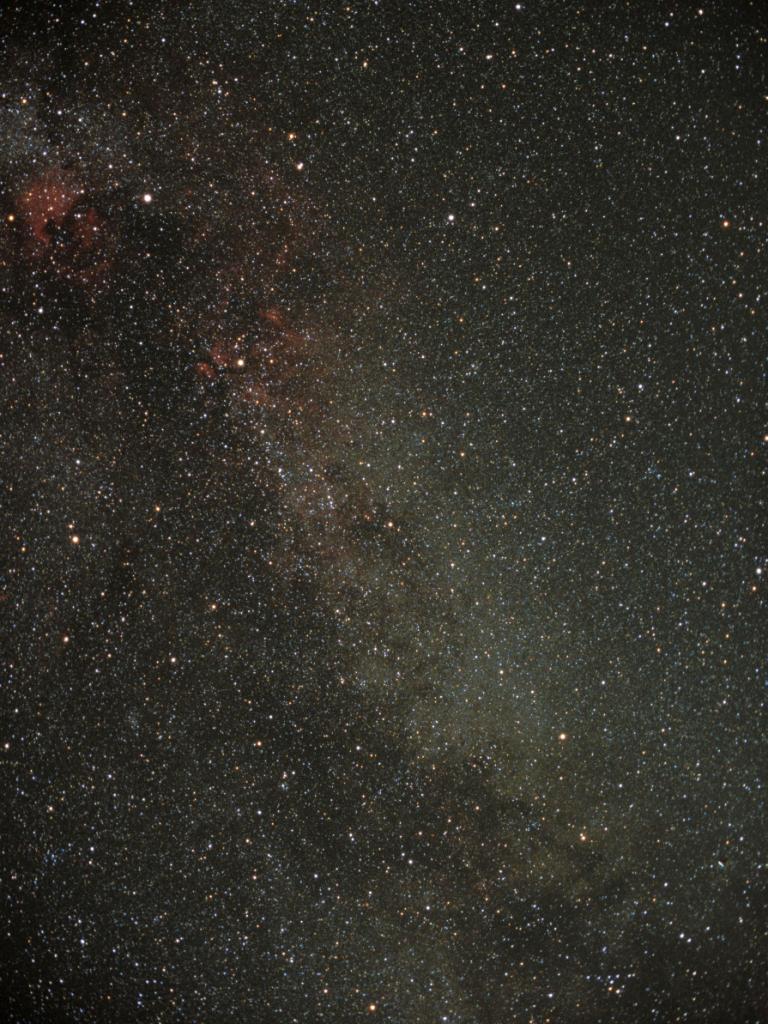

Attached Image:
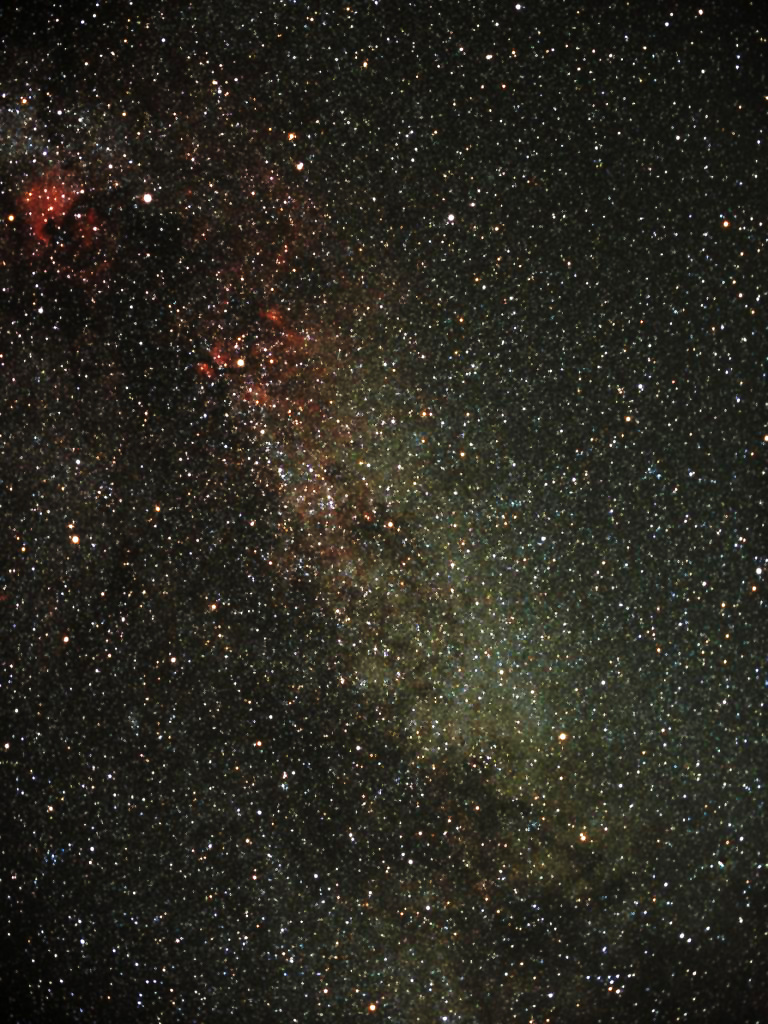
Parker_Parrish's attachment for post 20019
Posted 11/08/2004 05:12PM #1
First, it's a great image!
Red nebulas stand out clearly.

I just adjusted curves (in Photoshop). I'm sure someone could do better than I did.
Took also snapshot of the curves and I can send it if someone wants to see what the adjusted curve looks like. Usually I adjust histogram.

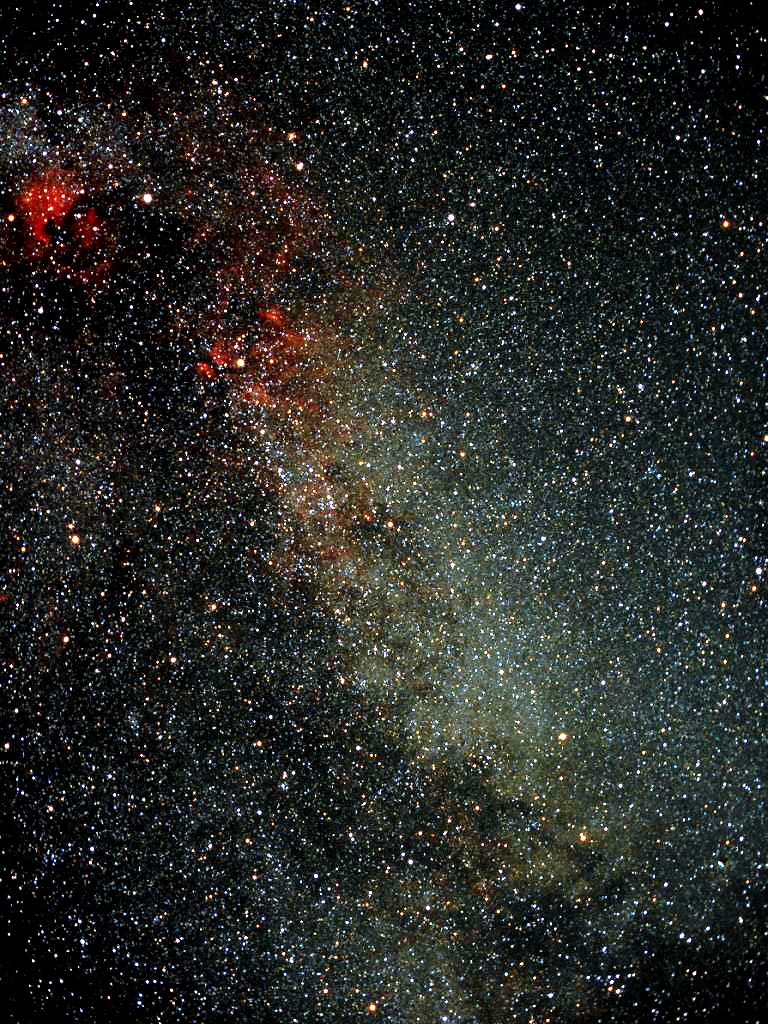
Attached Image:

einari's attachment for post 84741
Posted 11/08/2004 06:16PM #2
How about this?
Floyd

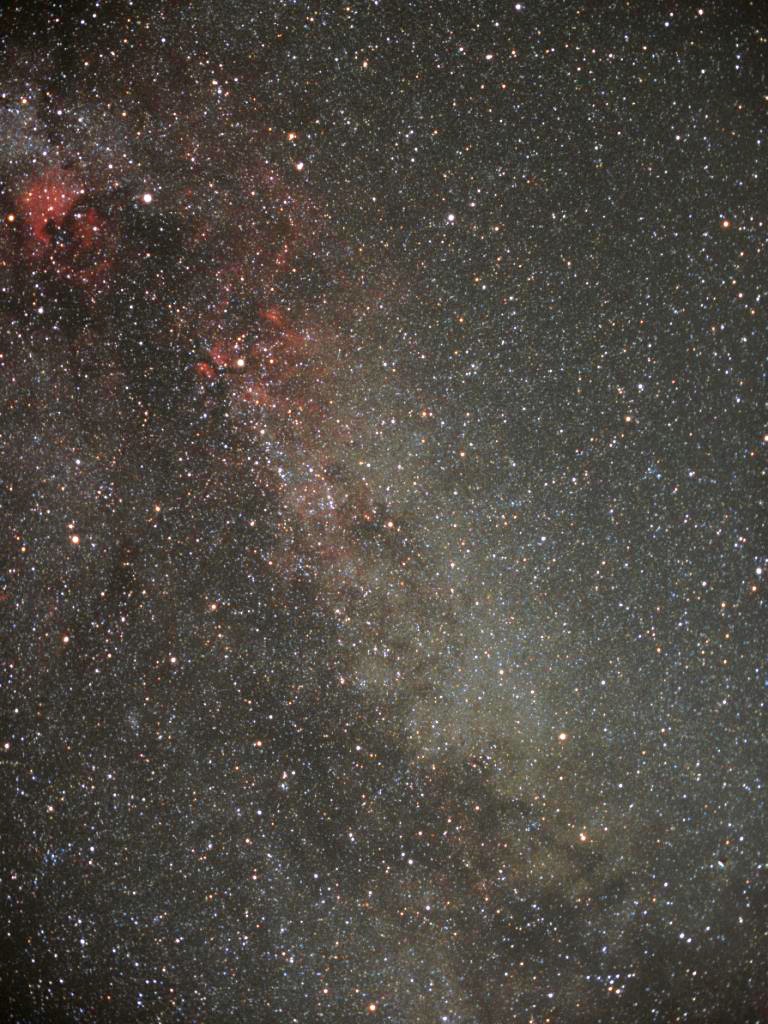
Attached Image:

fblue's attachment for post 84746

[SIZE="Large"][/SIZE][COLOR="Blue"][/COLOR] Floyd Blue grin
Amateur Imager
Posted 11/10/2004 01:30AM #3
Wow - good start! You can up the contrast
a bit with levels and curves, but as said earlier
don't go too far.

It's hard to tell without the
full-size scan, but I thought I detected some
elongation of the stars in the lower corners. If
so, you may need to close the lens down another 1/2
to 1 stop. From a dark site, you should be able
to go 30-60 minutes on Elite Chrome 200. (If the
temperature drops below 32F, the film may become
up to twice as sensitive I'm told.)

If you're shooting at a dark sky site, I'd bet
your 20min shot looks pretty good. Could you
post it?

These are EXCELLENT results for early in the game.

Todd
Posted 11/10/2004 02:48AM #4
Looks like you have dark enough skies to go much longer but there is plenty to work with on this shot so here is my go at it.

Working in PS, levels with each color channel, color saturation on red and blue channel. I then ran it through Neat Image for a mild massage (maybe too much :S ).


Robert W.

Attached Image:

raw265's attachment for post 84807

There's no substitute for fine glass!