
Hi,
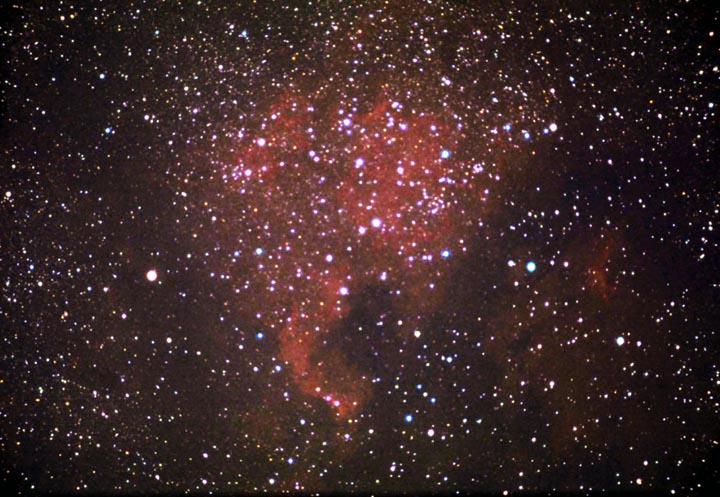
I just recieved a copy of Photoshop 7.0 from a friend who didnt want it and I am not very familiar with the program. It looks very complicated and hard to learn, but I figured out the basics with the Color adjustment, brightness/contrast adjustment, unsharp masks, etc. This is an image I edited this evening from a while back at the Nebraska Star Party. It is NGC7000, taken witha Stellarvue Nighthawk piggybacked on an 8" LX200GPS. Guided manually. Exposure was 30 minutes on Kodak E200. I did a pretty crappy job editing this with photoshop, but the the heck: Ill post it anyway (sorry if its a little big).
Clear Skies,
Taylor
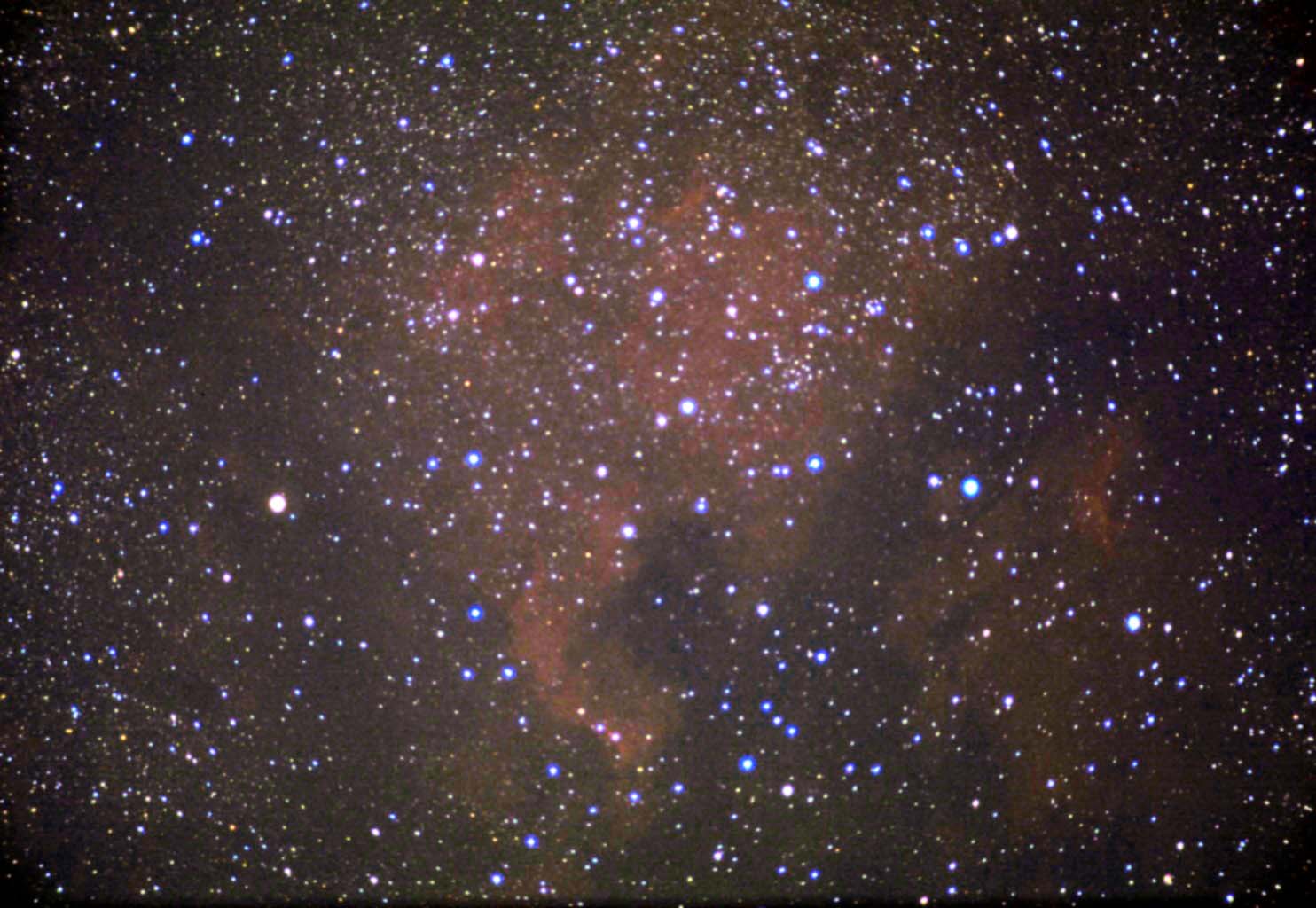
I just recieved a copy of Photoshop 7.0 from a friend who didnt want it and I am not very familiar with the program. It looks very complicated and hard to learn, but I figured out the basics with the Color adjustment, brightness/contrast adjustment, unsharp masks, etc. This is an image I edited this evening from a while back at the Nebraska Star Party. It is NGC7000, taken witha Stellarvue Nighthawk piggybacked on an 8" LX200GPS. Guided manually. Exposure was 30 minutes on Kodak E200. I did a pretty crappy job editing this with photoshop, but the the heck: Ill post it anyway (sorry if its a little big).
Clear Skies,
Taylor
Attached Image: