Image of the day

Captured by
John Roach

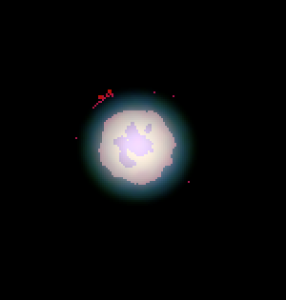
Enhanced Uranus showing Polar Cap and possible Aurora

My Account

New to Astromart?

Register an account...

Need Help?

how do set the correct colour in your image?

Started by gregbradley, 11/28/2006 10:24PM
Posted 11/28/2006 10:24PM Opening Post
I have been reviewing my images and have found it hard to work out what the correct colour should be for the objects.

Any suggestions about how to achieve an accurate colour for your images?

Greg.
Posted 11/28/2006 11:33PM #1
The most accurate way is G2V star calibration. Here is an excellent tutorial by Don Goldman:

http://www.astrodon.com/G2V/g2v2.html

Best,
Tom

Starsearch Observatory
Lat 42N 47' 00" Long 112W 10' 47"
Elev 1752m
www.tvdavisastropics.com
Posted 12/02/2006 08:07PM #2
Greg,
One can take G2V calibrations each night to be very accurate. Or you could also use past data. The key is to make sure you take the image with the star unsaturated (i.e. usually very short). I use past G2V data regularly in calibrating colors on processing.

You can separate your colors on the DSLR data and do the same thing.

Also when shooting any object below 45 degrees you may want to consider an Atmospheric Extinction correction as well in your processing.

Here is what I do:

http://jthommes.com/Astro/NGC5128_ColorCor.htm

Jim Thommes

Mak-Newt 152 mm
C8
Megrez II APO
Zenithstar 66 mm APO
G11/Gemini
ST8300M
Artemis285 Camera
Canon 350D DSLR

http://jthommes.com/Astro/
