Image of the day

Captured by
Shane Yarnall

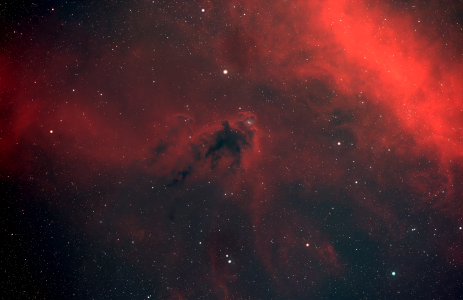
LDN 1622

My Account

New to Astromart?

Register an account...

Need Help?

Monitors

Started by Halleys_Trauma, 12/10/2007 01:20PM
Posted 12/10/2007 01:20PM | Edited 12/10/2007 01:21PM Opening Post
I notice a lot of comments regarding different color saturations levels in images viewed here

I have seen that my own images look very different on other monitors. I own a small business and can view my images on at least six different monitors each with its own color sensitivities not unlike the cameras we use to capture images.

Does anyone know how to adjust a monitor so it is at least close to correct. I would assume there has to be a standard.

smile
Posted 12/10/2007 03:16PM #1
Oh, lots of standards. That is one of the problems.

I use a piece of software/hardware from Spyder that calibrates my monitors. It is expensive, and does not work completely to my satisfaction (due, probably to my monitor's deficiencies). But it does make things nicer and more consistent from my laptop to my desktop.

To start with, if you have Photoshop, you can use a monitor adjustment program that comes with it.

And failing that, there are a number of places on the web that you can find a strip of sixteen blocks of gray. Adjust brightness/contrast so that you can see all the blocks distinctly, and you have come a long way. I'll go find one of them and post a link.

Alex
Posted 12/10/2007 05:41PM | Edited 12/10/2007 05:43PM #2
Hi John,
As Alex said, if you use Photoshop, use the Adobe Gamma program that comes with it. When it is loaded on startup it is suppose to set the colors in the monitor to match the color in Photoshop. That is about all you can do, because you can not set your color to match everyone else's monitor.

[SIZE="Large"][/SIZE][COLOR="Blue"][/COLOR] Floyd Blue grin
Amateur Imager