Image of the day

Captured by
John Roach

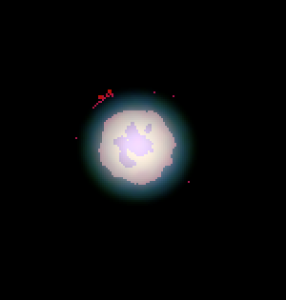
Enhanced Uranus showing Polar Cap and possible Aurora

My Account

New to Astromart?

Register an account...

Need Help?

How to get more jpeg resolution?

Started by ronbee, 08/10/2005 07:06PM
Posted 08/10/2005 07:06PM Opening Post
It appears that no matter what I choose 640x480 or 320x240 with my ToUcam Pro II, the resulted jpeg file created by Photoshop Elements after Registax/K3CCD tool always shows resolution of only 72dpi. I think this is very low resolution considering that a printer can do 300dpi or 600dpi minimum.

The question is: is it possible to get the final result more than 72dpi?

Thanks,
Ron B[ee]

Posted 08/10/2005 07:55PM #1
Ron,

Are you confusing screen pixel size with picture size?

Is Elements saving at 640 x 480 as you specified?

Then it is doing all it can (You can ask it to save at higher number of pixels, but it is just making stuff up if it does.)

On the other hand, the 72dpi is normally your screen resolution (or maybe up to 96 or so) generally. This is fixed at any given windows setting you are using on your monitor. It has nothing to do with the picture size.

Alex