Image of the day

Captured by
Ralph Ford

M31 with Redcat 51

My Account

New to Astromart?

Register an account...

Need Help?

Imaging Jupiter

Started by squeege, 04/12/2005 03:11AM
Posted 04/12/2005 03:11AM Opening Post
I've just started imaging and stacking images of Jupiter. I'm using a nikon coolpix 995, and 10" f6 reflector. I've read that using color filters may produce more detail. Any feedback on best way to go about it? Attached is the images I usually get. This one was taken 4/09 in North Carolina. I use registax and photo filtre for some enhancing, but not much.

mark
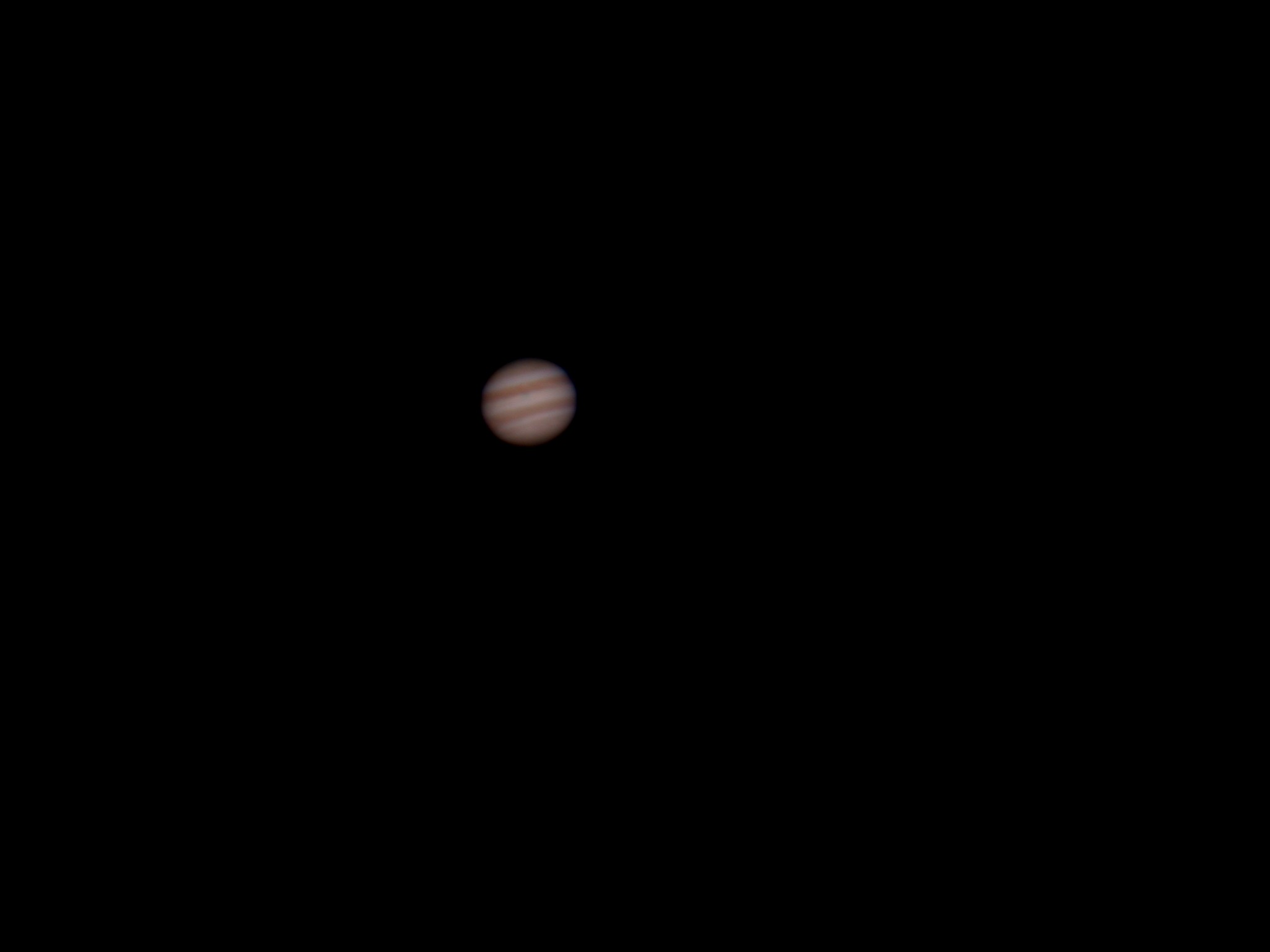
Attached Image:

squeege's attachment for post 23412
Posted 04/12/2005 12:24PM #1
Hello Mark,

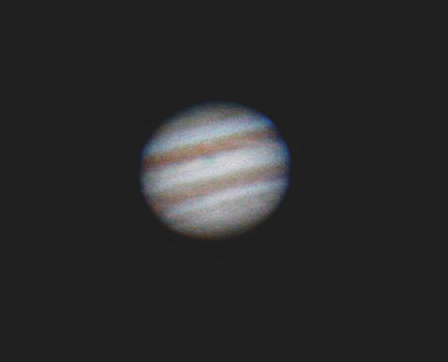
I am not sure you need colour filters. White balance setting on the camera is important. One trick is to set the white balance manualy using the moon as reference (I am not sure if your camera has this option. Also you can play arround with colour balance in say Photo Shop or Gimp. eg this is your image processed in Gimp with some unsharp masking and colour balance. Stack lots of images to reduce noise.

I hope this helps

Mike

Attached Image:

mikeash's attachment for post 90465
Posted 04/12/2005 02:20PM | Edited 04/12/2005 02:20PM #2
How many images are stacked in that?