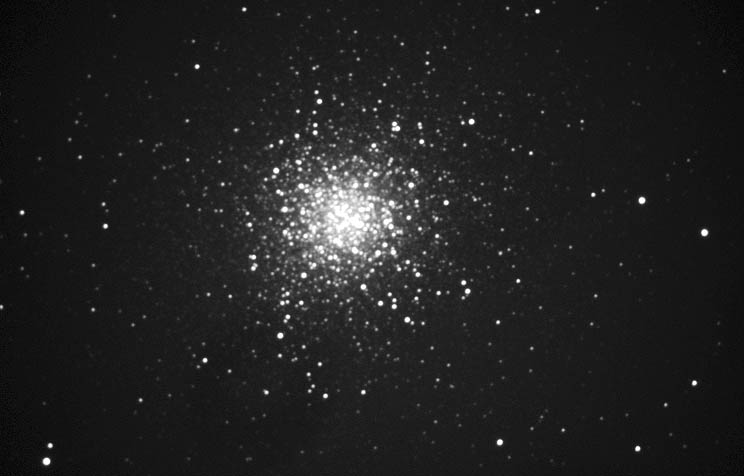
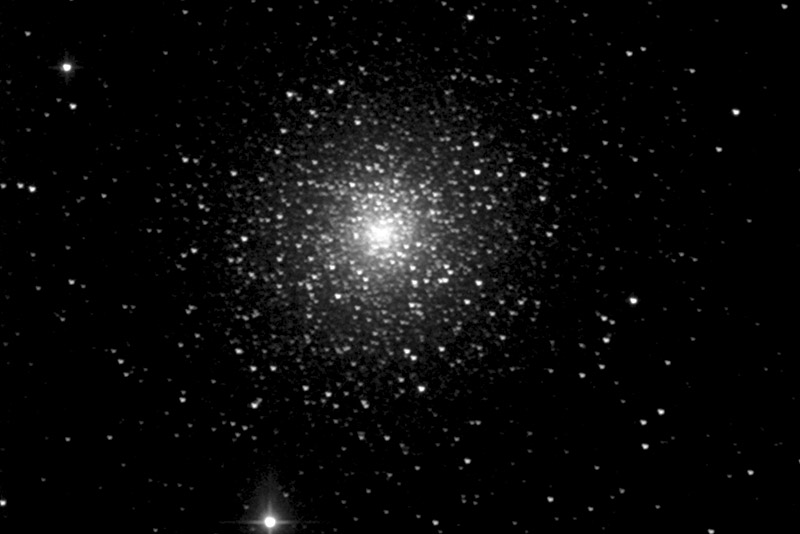
Hi Dan, I'd like to comment on your image if you don't mind. I'd like to think we're here to help each other along with sharing the images we're proud of. It looks like your streching those histograms too much. Or if your useing photoshop the curve adjustment is a bit much. Whatever it is your background is too dark and your midlevel tones are streched too much. Try for a more natural look. The sky should look more dark gray than black. Here is an image of M13. Again, it's just my two cents and I know I take all the advice I can get Keep imaging and keep posting.
It's a great image. I agree with Brian, too. I took the liberty of adjusting the levels in Photoshop. I also applied unsharp masking on it. I hope you don't mind.
I just got a new monitor and I haven't really calibrated it so I hope it looks good on yours.

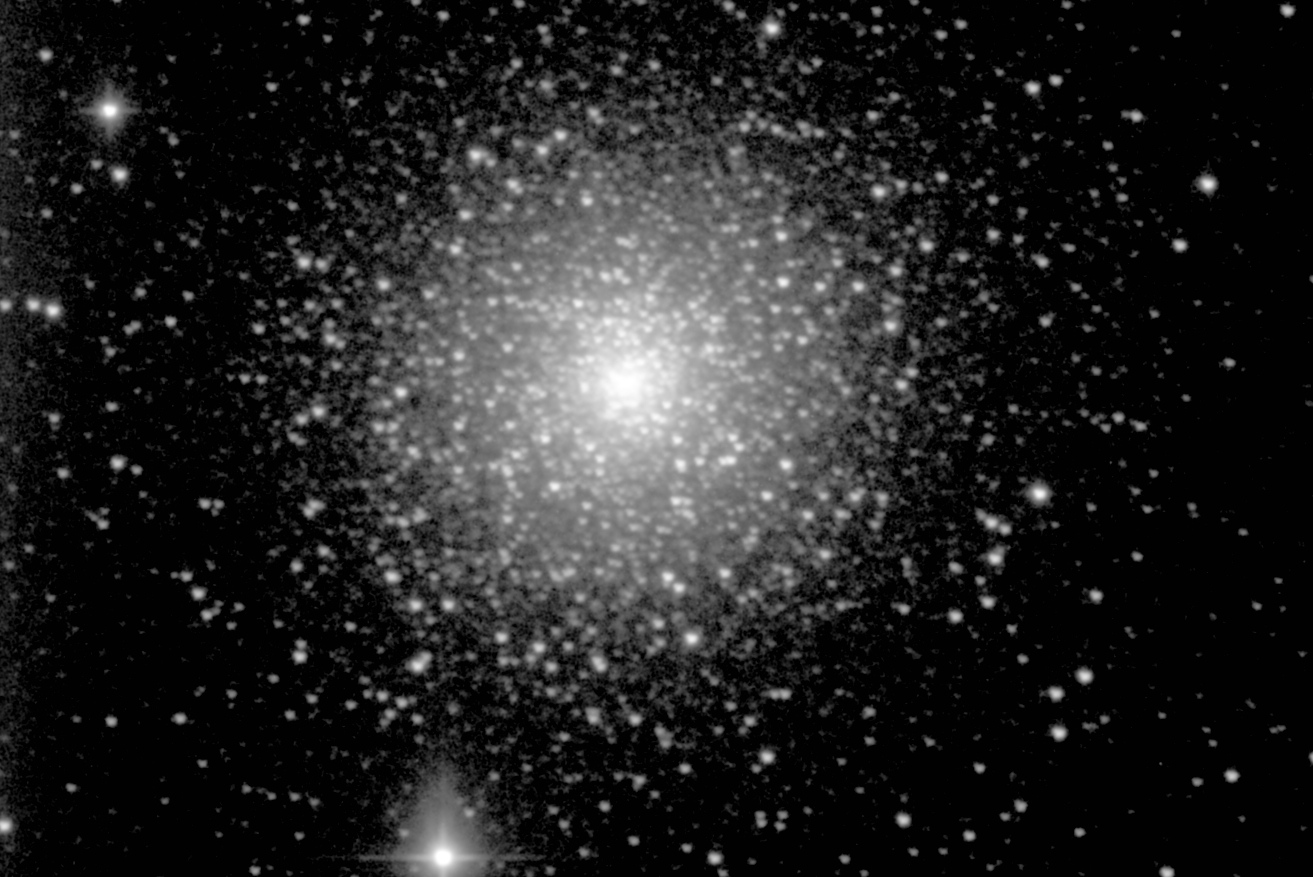
 Keep imaging and keep posting.