Image of the day

Captured by
Byron Davies

Sh2-86 (NGC-6820)

My Account

New to Astromart?

Register an account...

Need Help?

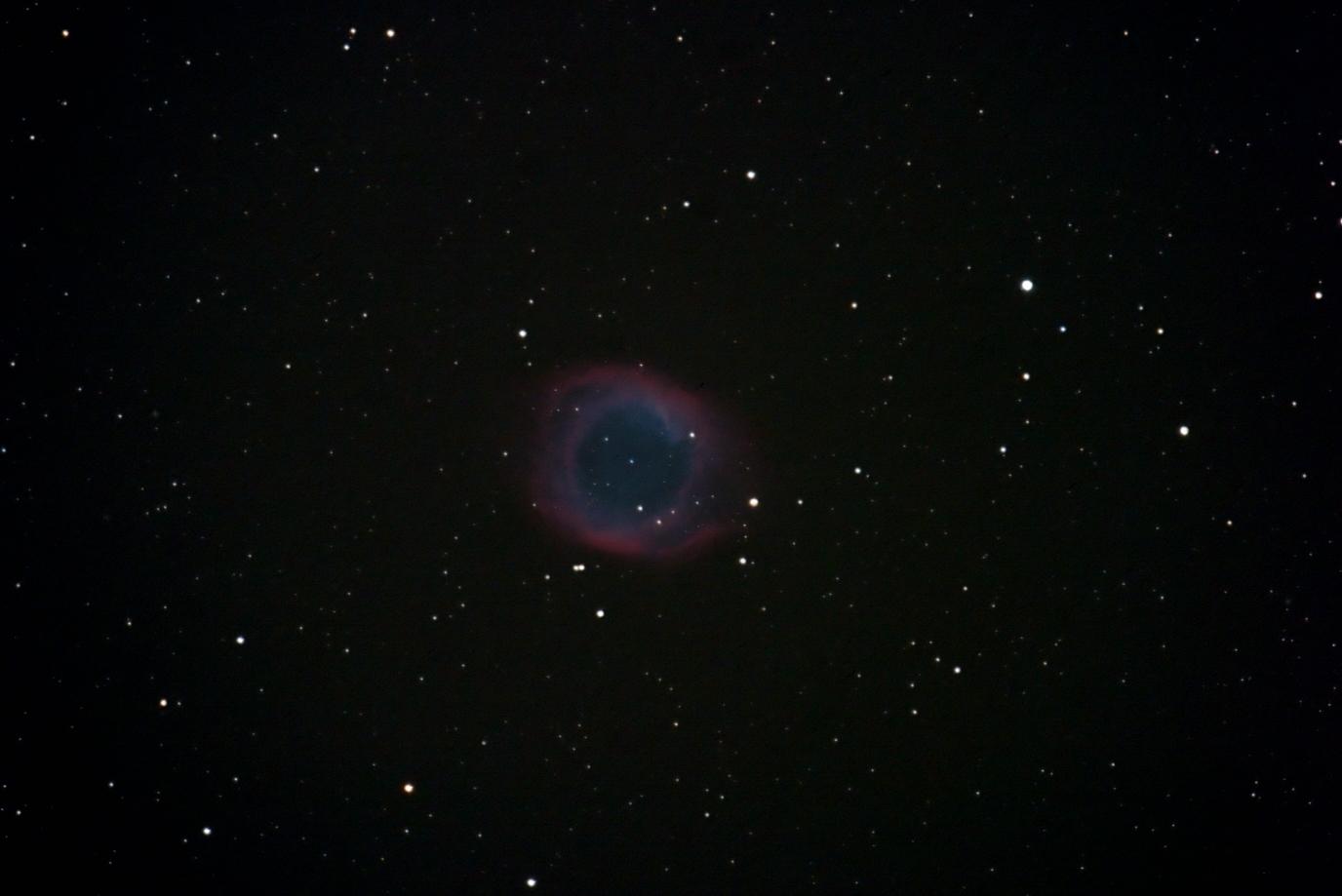
Helix Nebula

Started by btlguce, 10/03/2003 04:26AM
Posted 10/03/2003 04:26AM Opening Post
Here is a picture of the Helix Nebula taken with a Canon 10D and FSQ-106 at F8. It was 30-5min exposures at an ISO of 1600. 6 averaged dark frames were also used. All were processed using Images Plus and Photoshop6.

Although low in the southern sky I was pleased with the results. It is actually at its highest point when I took these images.

Thanks,

Mark
Attached Image:

btlguce's attachment for post 9681
Posted 10/03/2003 03:18PM #1
Great shot Mark!
Looks like this one takes a lot of work to Image... as it seems it is a very faint one, is it true?


Thanks for sharing... and keep'em coming!


Ivan
smile

Ivan Gastaldo 8)
Coconut Creek, FL

Ivan's Observatory
Lat 26N 16' 48" Long 80W 10' 48"
[COLOR="Red"]Personal Website:[/COLOR] http://www.ivangastaldo.com

CCD Imaging and Processing/Deep Sky - Moderator
I like to complain about everything - Moderator
Posted 10/03/2003 07:27PM #2
Hi Mark-

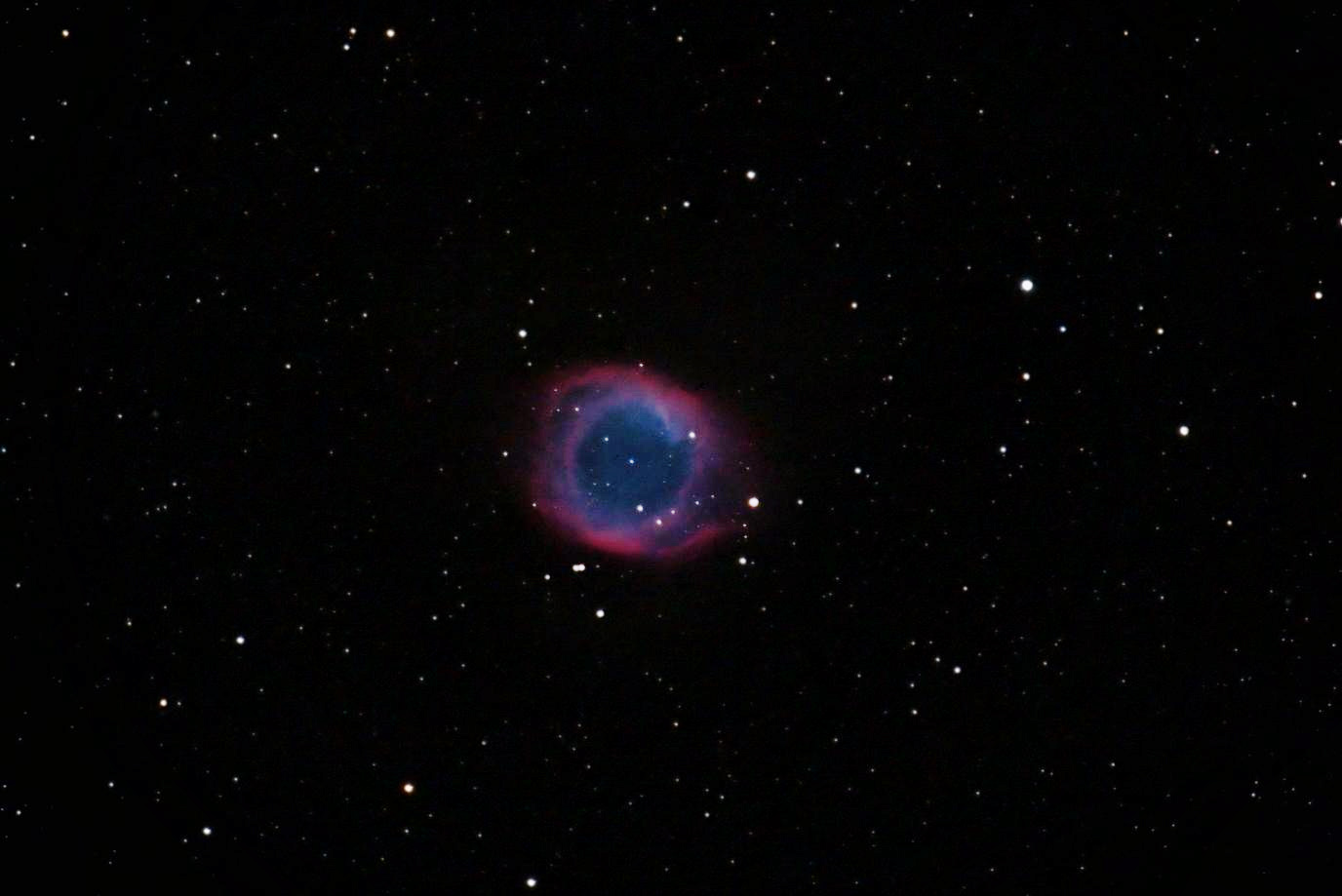
Hope you don't mind but I played with yours a bit. There were some gradients and I brought out more color with PS7. Let me know what you think...

Hope you like it

Carl Burton

Attached Image:

carlb's attachment for post 71823
Posted 10/03/2003 08:39PM #3
Mark-

In PhotoShop:
1 Image|Adjustments|Curves This brings up the Curves box. If you put your curser on the part you want to highlight and press Cltl it shows where that area to highlight is on the line profile. I used 42 (12 o-clock on the Helix) and used my up-arrow to get 97 in the output box. You can see the gradient pretty good now.
2. Image|Duplicate
3. Select the copy. Filter|Noise. I used a raduis of 13. You are trying to get rid of stars in this step.
4. Still in the copy use the Stamp tool with a Brush diameter of 300. Put the circle outside the nebula at about 2 o-clock and push Alt move to cover 1/3 of the nebula with the circle and left click your mouse. Do the same to the other 2/3 until the nebula is covered over.
5. Still in the copy Filter|Blur|Gaussian Blur radius of 48 Now you are trying to blur the heck out of the image and smooth the stamp tool work.
6. Go back to original then Image|Apply image try Multiply or Subtract. If you use Subtract you have to make the copy the source in the dialog box.

That's pretty much it, if I can help just post your e-mail and I'll get back with you.

Carl