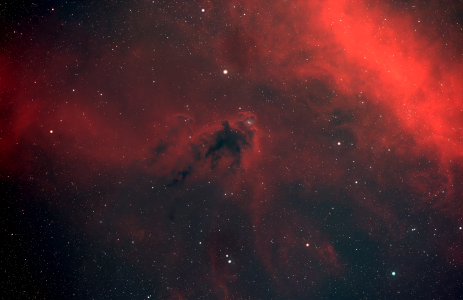

Here is the Cocoon Nebula taken September 26.
It is a (L+Ha),(Ha+R),G,B image. 2.5 Hr. Ha (30 minute subs). 55 min. LRGB with the L binned 1x1 and the rest 2x2.
I appreciate any comments or critique!
TEC 140
G-11
SXV-H9
Astrodon filters
Maxim DL for acquisition
Photoshop CS for processing.
Jim
p.s. this jpeg is also much less saturated looking when I view it on line, as opposed to when I open the compressed, posted image in Photoshop. Why is that? I am not comparing the jpeg to the original 16 bit image by the way. I would think the compressed images would look the same, whichever program opens them, but they really don't. :S
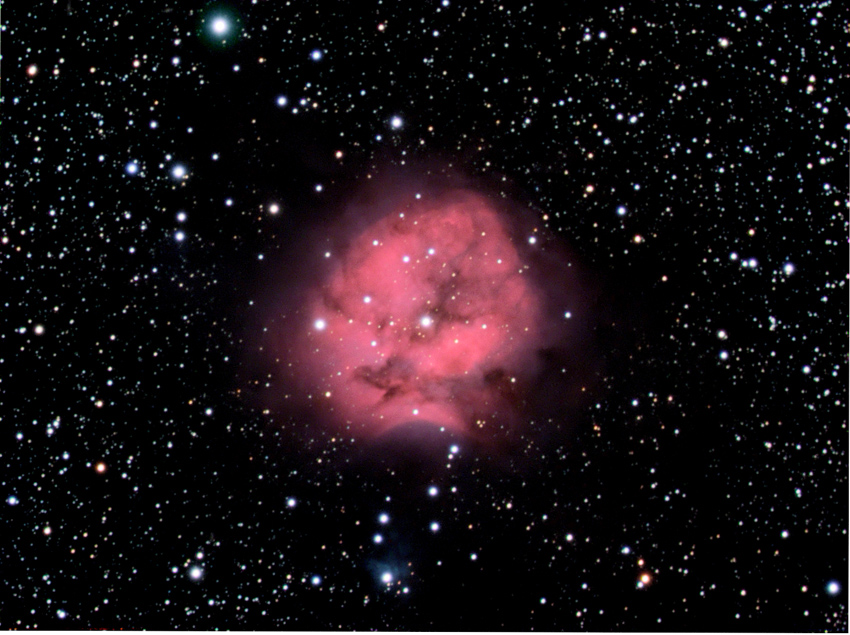
It is a (L+Ha),(Ha+R),G,B image. 2.5 Hr. Ha (30 minute subs). 55 min. LRGB with the L binned 1x1 and the rest 2x2.
I appreciate any comments or critique!
TEC 140
G-11
SXV-H9
Astrodon filters
Maxim DL for acquisition
Photoshop CS for processing.
Jim
p.s. this jpeg is also much less saturated looking when I view it on line, as opposed to when I open the compressed, posted image in Photoshop. Why is that? I am not comparing the jpeg to the original 16 bit image by the way. I would think the compressed images would look the same, whichever program opens them, but they really don't. :S
Attached Image: